
Diamond Painting
Customers see their diamond painting before they buy. You get print-ready files for the factory, automatically.

How it works
From customer upload to factory-ready files in three steps.
Customer uploads a photo
They pick a photo, select a canvas size, and adjust the crop. Right on your product page.
Instant preview
A real diamond painting preview appears in seconds. Accurate colors, correct drill layout, exactly what the finished product will look like.
Order placed, files ready
When the customer orders, production files are generated automatically. Ready for the factory, no manual work.
What your factory receives
Every order generates all three outputs automatically. No manual steps.
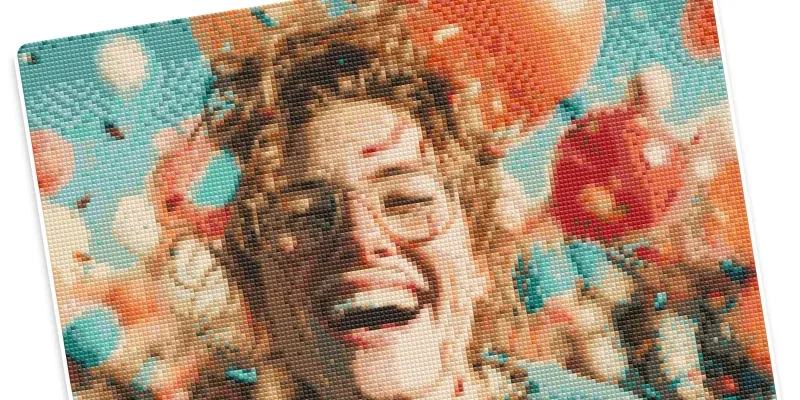
Customer Preview
The exact preview your customer approved. DMC-matched colors with round or square drill accuracy, so what they saw is what gets produced.
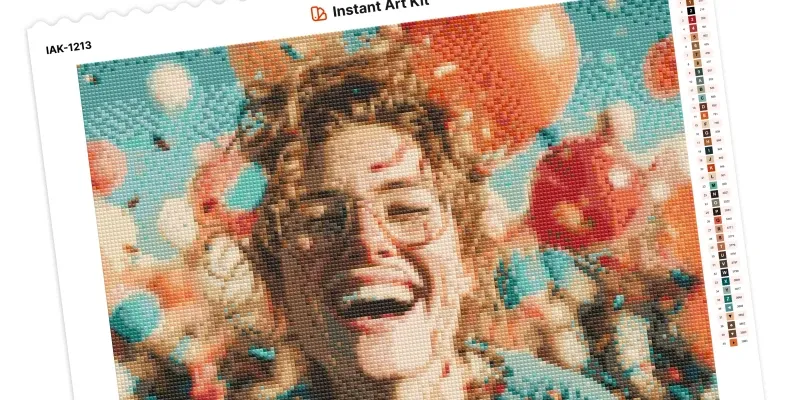
PDF Pattern
Print-ready pattern with clear symbols, a full color chart, and your branding. Send it straight to the factory.
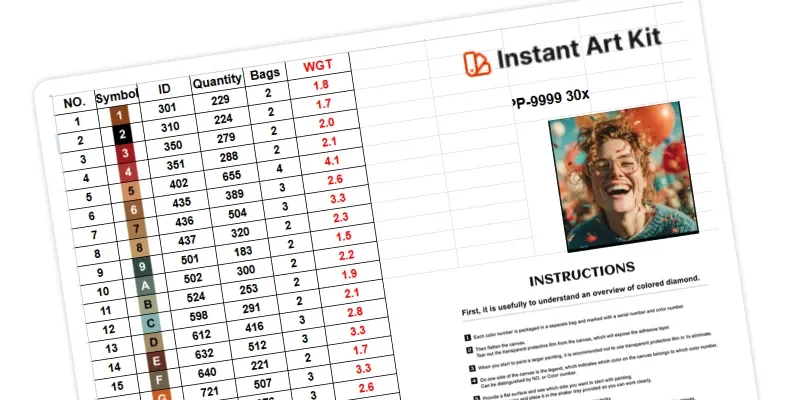
Production Spreadsheet
Complete drill breakdown: types, DMC codes, quantities in grams, and order info. Everything your factory needs in one file.
What makes it production-ready
Built for accuracy, automation, and your factory's workflow.
DMC Color Matching
450+ DMC colors for accurate, production-ready results that match real drill colors.
PDF Patterns
Print-ready PDF files with clear symbols and color charts for easy manufacturing.
Production Spreadsheets
Complete Excel files for the factory with drill types, quantities in grams, order info, and product specs.
Multiple Drill Shapes
Support for round and square drills with accurate previews for each type.
Branded Templates
Add your logo, order numbers, and color references to production files.
For your customers
A seamless preview experience that builds confidence and drives sales
1 Upload their photo
Customers click the upload button on your product page and select their favorite photo.
2 Choose their size
Select from available canvas sizes and adjust the crop area to get the perfect composition.
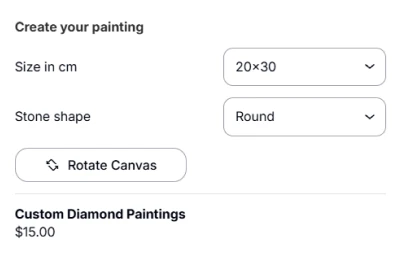
3 Preview their design
See a real-time preview of exactly what the finished diamond painting will look like in just 2-5 seconds.
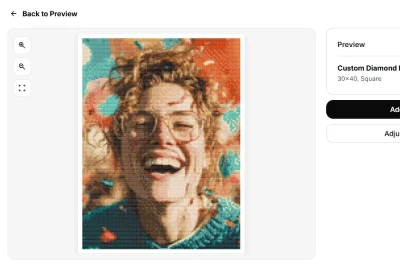
4 Add to cart
When satisfied with the preview, add to cart and complete checkout as normal.
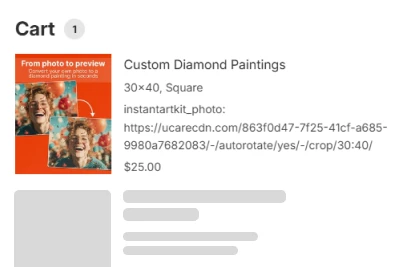
1 Upload their photo
Customers click the upload button on your product page and select their favorite photo.
2 Choose their size
Select from available canvas sizes and adjust the crop area to get the perfect composition.
3 Preview their design
See a real-time preview of exactly what the finished diamond painting will look like in just 2-5 seconds.
4 Add to cart
When satisfied with the preview, add to cart and complete checkout as normal.
For store owners
Complete control over your custom art business, from setup to fulfillment
1 Install & connect
Install from Shopify App Store in under 5 minutes with guided setup.

2 Create templates
Design production templates with your branding, logos, and order information.
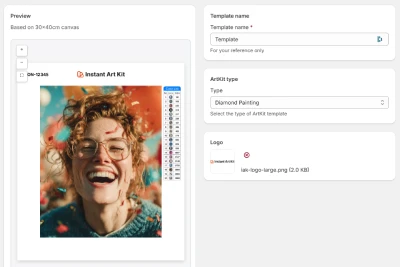
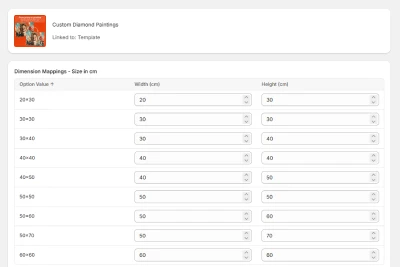
3 Map your products
Connect Shopify products to Instant Art Kit and map variant options like size, stone type, color count, and canvas.
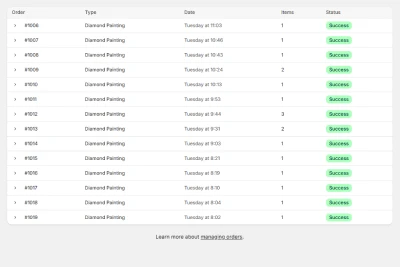
4 Monitor print files
View all print files with processing status and preview thumbnails. Quickly find orders ready for production.
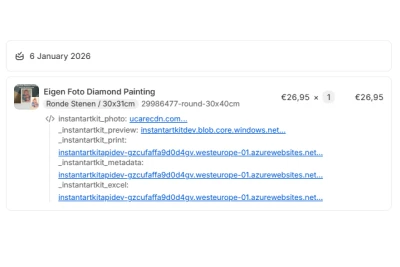
5 Download & fulfill
Download complete production file sets and send directly to your supplier.
1 Install & connect
Install from Shopify App Store in under 5 minutes with guided setup.
2 Create templates
Design production templates with your branding, logos, and order information.
3 Map your products
Connect Shopify products to Instant Art Kit and map variant options like size, stone type, color count, and canvas.
4 Monitor print files
View all print files with processing status and preview thumbnails. Quickly find orders ready for production.
5 Download & fulfill
Download complete production file sets and send directly to your supplier.
Your customers preview it. Your factory prints it.
From customer photo to production-ready diamond painting files. Fully automated, built into your Shopify store.
Get started freeAlso offering paint by numbers? See paint by numbers features